Author: Anna Sophie Bretschneider
A user finds a recipe on Pinterest and downloads a grocery app.
So far so good…
Then they copy the ingredients into a list, choose their closest grocery store, look for a good coupon or offer, and maybe even wonder whether they actually have to leave the house or could turn that list into a pickup order.
Many retail apps offer the features to make all of this happen. But what makes some of them more useful, and what can we learn from them?
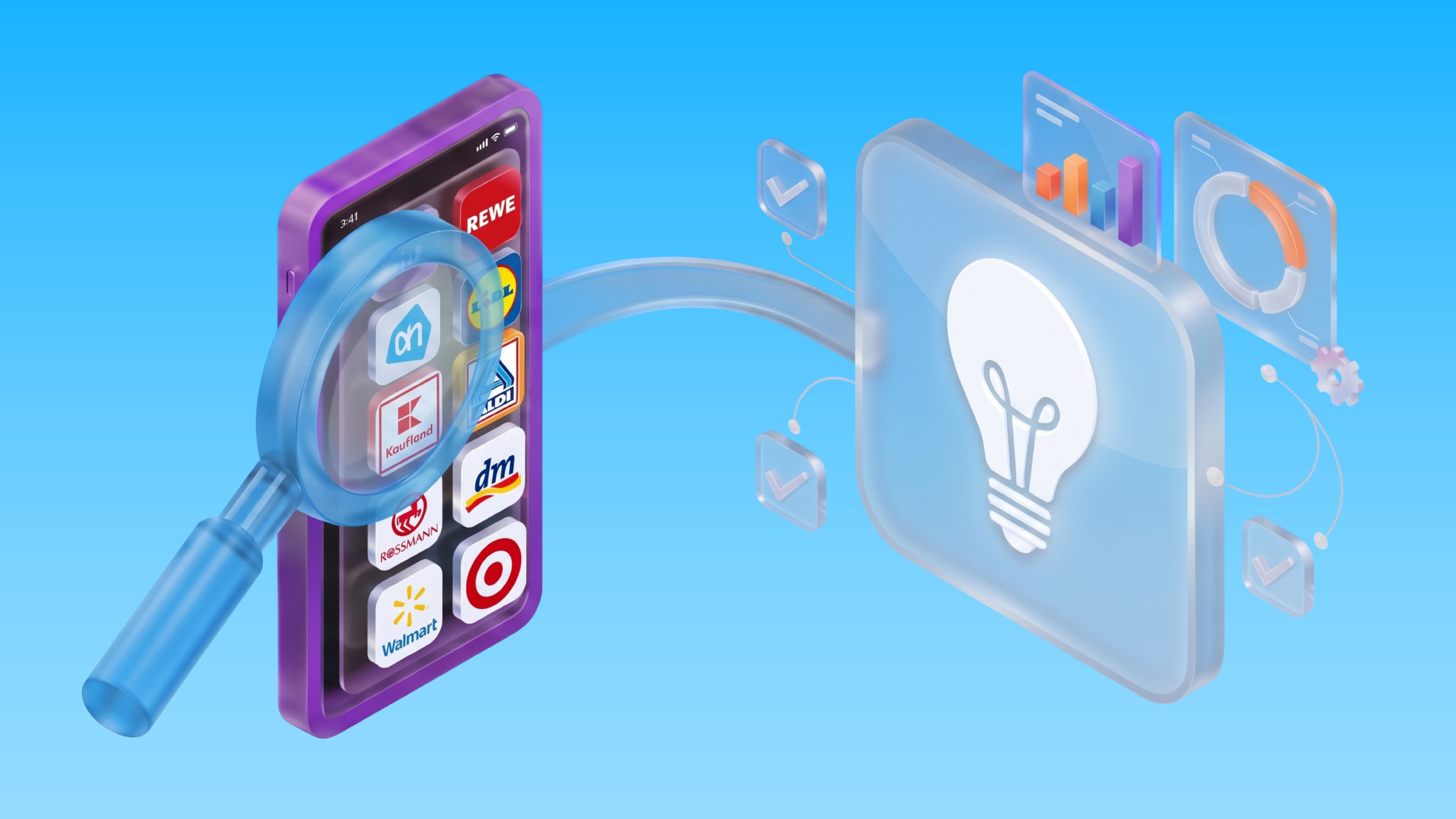
That is the question we kept coming back to while benchmarking more than 20 grocery and retail apps across Germany, Austria, the Netherlands, and the US. We looked at their onboarding, personalization, shopping tools, loyalty, fulfillment, mCRM, and App Store positioning.
And often the biggest difference was what happened between features.
Here are eight lessons for mobile growth teams, along with the journey gaps worth checking on within their own apps.
1. Make the First Visit Count Before You Have Purchase History
Retailers often have plenty of data about established customers. They can use it to make the app experience and communication more relevant.
But what about first-time app users? How do you find out which offers or features might be useful enough for that shopper to come back?
You ask.
Let people choose a preferred store, favorite categories, or a dietary preference if that choice immediately changes what they see. A store selection should show local offers and services.
But keep in mind: a vegetarian preference should help with recipes or product discovery. If nothing changes, the question feels like work.
REWE’s Bonus program illustrates what customer preferences can influence later in the relationship: individual coupons within the program’s rules.
That does not mean every app needs a questionnaire at launch. The growth question you should ask yourself is whether a small, optional choice helps a new shopper complete a useful first action and return, rather than merely lifting an onboarding completion rate.
2. Turn Recipes Into Shopping Lists
Recipes are a natural entry point for food retailers. The question “What should we eat today?” is already close to a shopping decision. But how do you turn that inspiration into a plan without asking the user to copy every item by hand?
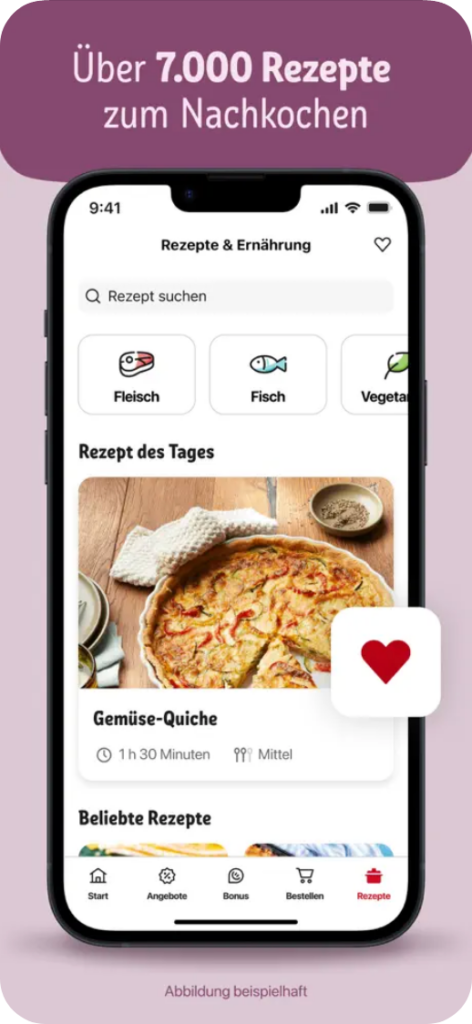
The REWE and Albert Heijn apps are two good examples of moving ingredients from a recipe into a shopping list. You should consider further useful questions beyond the first tap: What if the shopper changes the portion size, already has some ingredients at home, or shops at a store with different availability?
A recipe view is a content metric. Ingredient additions, list use, and completed orders show whether the shopper took the next steps. A store visit may matter too, but you need a way to observe it before you can claim that connection.
You should know where people enter your app and whether the next action feels easy to take. How many shoppers actually make it from inspiration to a list they use?
3. Connect the Shopping List to the Physical Store
A list built at home becomes more useful when the app knows where it will be used.
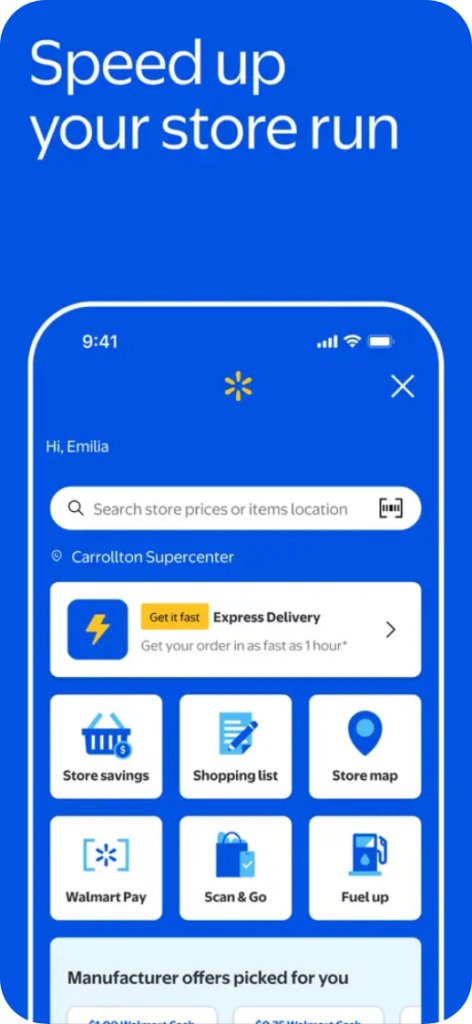
Albert Heijn can sort shopping lists according to the route through a selected store. Walmart’s Store Mode brings list, product search, and store map together. Those are different solutions to the same customer task: finding the products on the list in the physical store.
But before you build an aisle map, there are smaller connections to examine. Does the app remember the chosen store? Are local offers, opening information, and available services consistent across screens?
When the customer reopens the app at the store, is the saved list easy to find? Ask yourself how choosing a store changes the app experience to provide immediate value.
4. Make the Loyalty Promise Easy to Keep
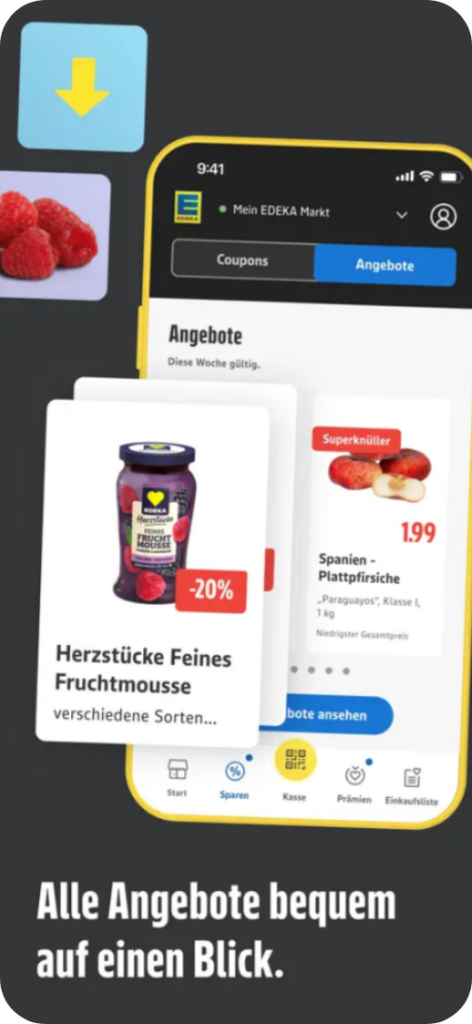
Offers appear throughout the retail apps we reviewed. The interesting difference is what customers have to do to receive them. Some benefits apply automatically. Others only work if a coupon was activated before checkout.
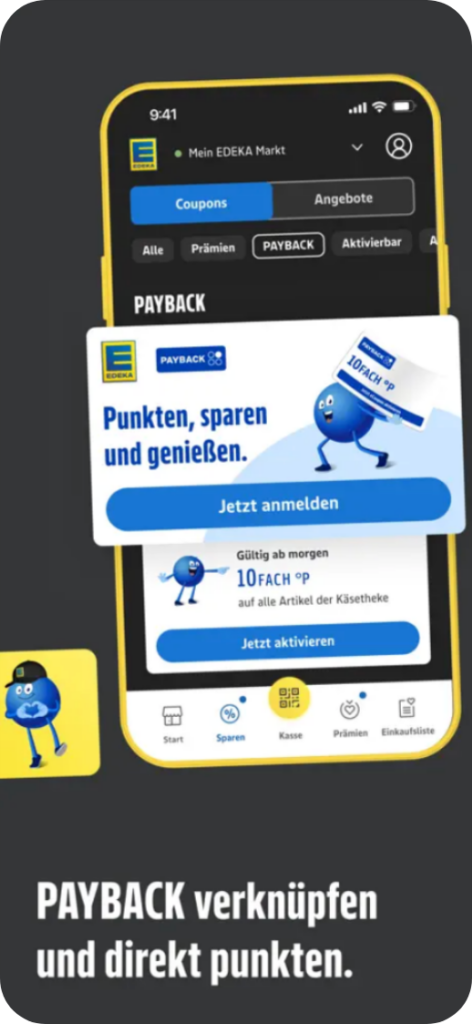
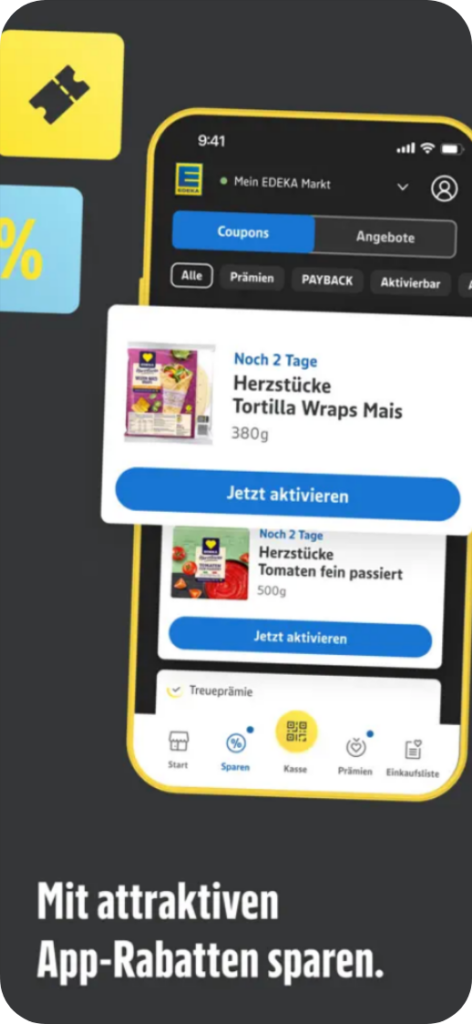
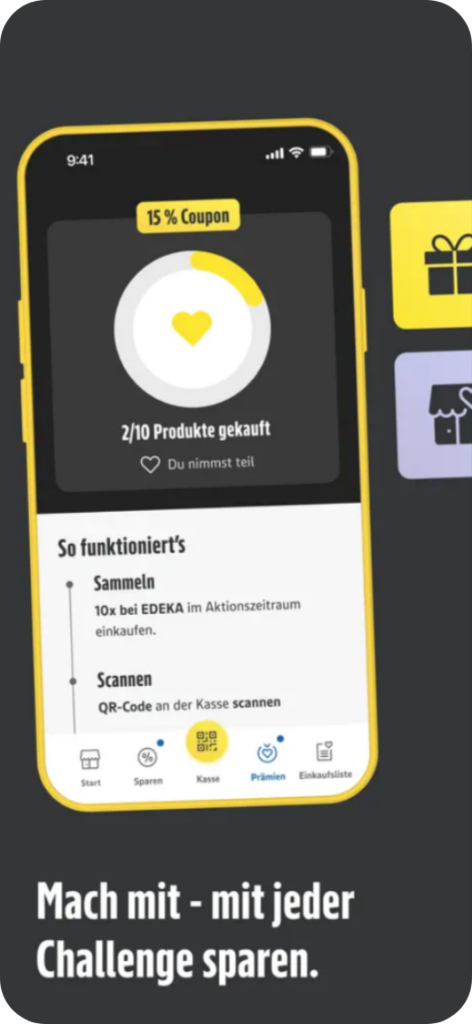
EDEKA’s app is a good example of why the details matter. It distinguishes between App Deals, EDEKA coupons, and linked PAYBACK benefits.
PAYBACK coupons need to be activated, and eligible benefits can be applied when the app QR code is scanned. A shopper shouldn’t discover how discounts work through a failed redemption at checkout.
What can you learn from this for your own app? Show the action a customer needs to take while there is still time to take it. If an offer applies automatically, tell them that. Then look beyond offer views in your reporting. How many eligible shoppers activated the coupon, and how many actually received the benefit at checkout, where the purchase data allows you to see it?
Could your customer explain how to get the discount after seeing the offer once?
5. Display the Fulfillment Option When It Matters
The list from that Pinterest recipe might become an in-store trip.
Or it might become a pickup or delivery order.
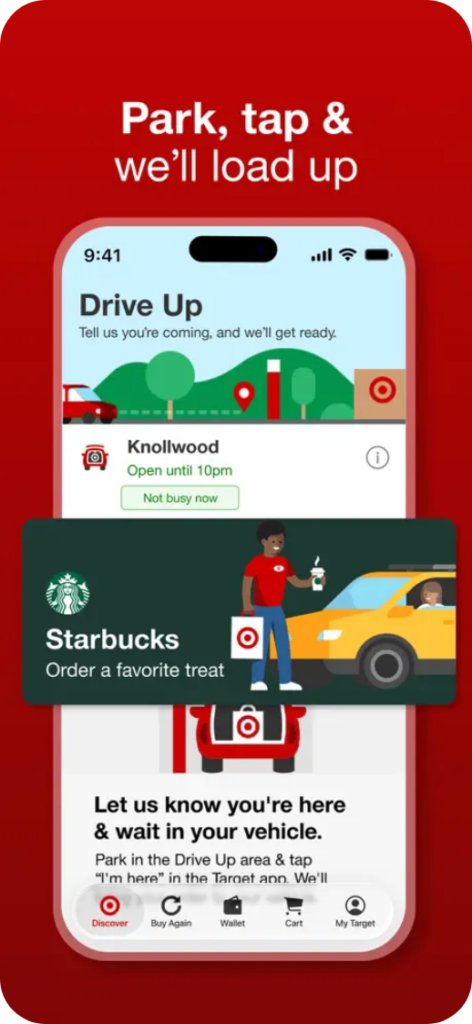
REWE and Target show how an app can support that choice.
REWE brings delivery and pickup into its app, while Target offers Order Pickup and Drive Up at participating locations. In both cases, the app connects what the customer wants to buy with ways they can get it nearby.
That connection starts before someone opens the app. If an App Store page or campaign promotes store pickup, that service must actually be available at the shopper’s local store.
Once they select a store and build a list, they should immediately see their fulfillment options without having to repeat the process.
6. Use CRM to Help With the Next Trip
Checkout gives you instant context about what the customer actually needs next.
And you should ask yourself: Does your communication reflect it?
An order update, a digital receipt, or a change to a pickup slot can be more useful than another general offer.
But only if the right order and account information reaches the right message, with the necessary permissions in place.
If you send a reminder to buy an item the customer just purchased, that’s a clear sign your data handoff needs work.
You do not need to build every possible CRM journey at once.
Choose one service message that solves a real customer problem. Check the event that starts it, who receives it, and whether it helps: Did people open the order details? Did support contacts or opt-outs change?
The question for your team is simple: Does the app remember enough about the last trip to make the next message useful?
7. Find Out When the App Becomes Useful
Downloads tell you that someone arrived. What did they do next?
For one retailer, choosing a store might be the first useful action. For another, it could be saving a list, linking a loyalty account, using a benefit, or placing an order. The right measure depends on the reason people downloaded the app in the first place.
Agree on a few of these actions across acquisition, app, CRM, and retail teams. Then check which customers return for another shopping task. If you can connect an app journey to an order or loyalty purchase, check the match rate as well. Unmatched customers are still part of the total growth picture.
Matching an app action to a purchase only tells you what happened, not why. If you want to know whether a campaign generated additional sales, compare it against a suitable control group or run an experiment.
So what is the first action that shows your app helped someone shop, and can you see what happened after it?
8. Audit the Handoffs, Not Just the Feature List
Try one ordinary task in your own app. In the case of our food & grocery apps it could be to: find dinner, save the ingredients, choose a store, use a benefit, or decide how to shop.
Where does the customer have to repeat a choice? When does the app stop using what it has already learned?
The eight lessons from our app review point to the same principle: a shopping companion needs to carry context forward. The next improvement may be a better connection between the features your app already has.